
Contacts and secure connections are central to the ESUNT communication experience. The complete ESUNT application is designed to help users establish trusted communication relationships and manage an independent layer of encryption for their private conversations.
Unlike conventional messaging systems that rely primarily on the security provided by the communication platform, ESUNT proposes independently managed cryptographic relationships between participating users.
Adding and Managing Contacts
The envisioned ESUNT application provides an interface for organizing contacts and managing their secure communication relationships.
Users would be able to:
- Add contacts and organize trusted communication partners.
- Establish secure connections using supported information exchange methods.
- Manage separate connections associated with individual contacts or groups.
- Review connection status and available security controls.
- Remove connections that are no longer required.
Adding someone to a contact list does not automatically establish an ESUNT-protected connection. The necessary security relationship must first be configured between the participants.
Establishing a Secure ESUNT Connection
Before using ESUNT's independent over-encryption, participating users must establish a compatible secure communication relationship.
ESUNT is designed to support exchanging the necessary connection information through several methods, depending on the capabilities of the application and devices involved.
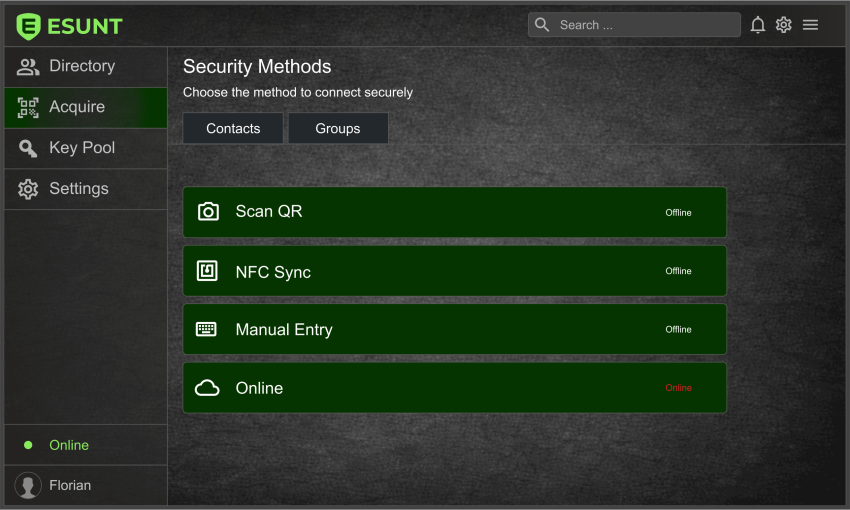
QR Code Connection
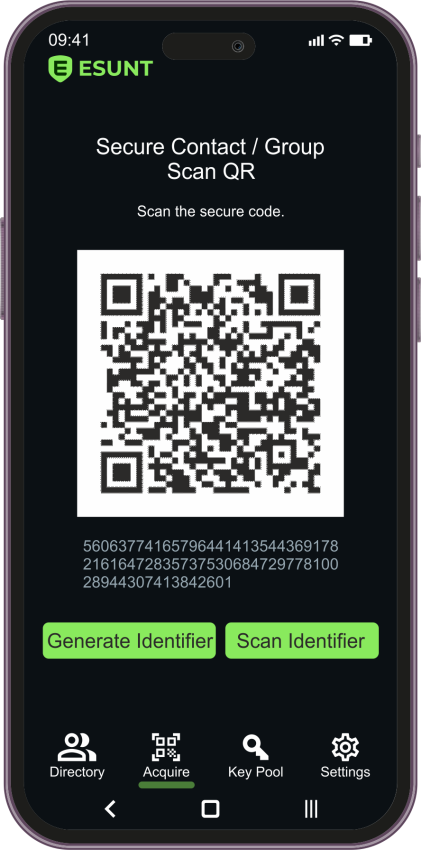
QR code pairing offers a convenient way to exchange connection information without manually entering lengthy identifiers.
One participant would display the appropriate QR code, while the other would scan it using the ESUNT interface. The application would then use the exchanged information as part of the secure connection setup.
Users should verify that the QR code originates from their intended communication partner before accepting a connection.
NFC Connection
Near Field Communication (NFC) could provide a convenient method for exchanging connection information between compatible devices placed close to one another.
This approach is particularly suitable for establishing connections when both participants are physically present.
Bluetooth Connection
Bluetooth is another proposed method for exchanging connection information between compatible nearby devices.
Its availability and configuration would depend on the supported devices, operating systems, and final application implementation.
Manual Connection
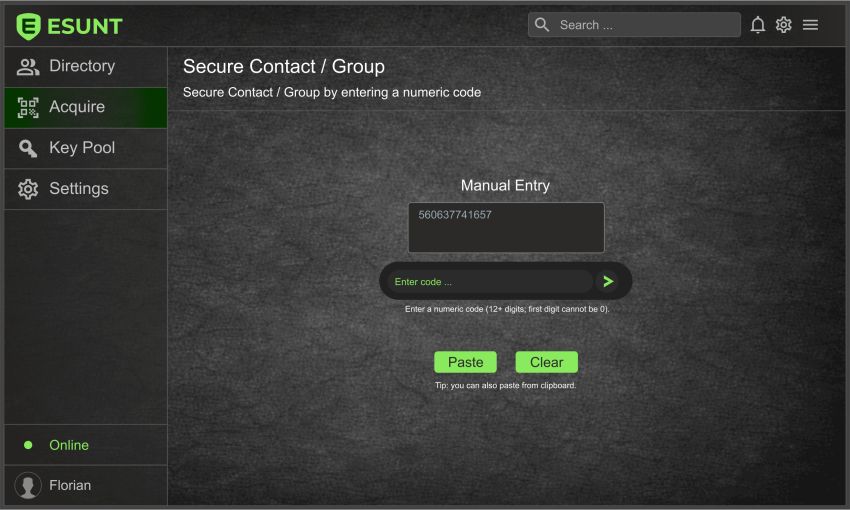
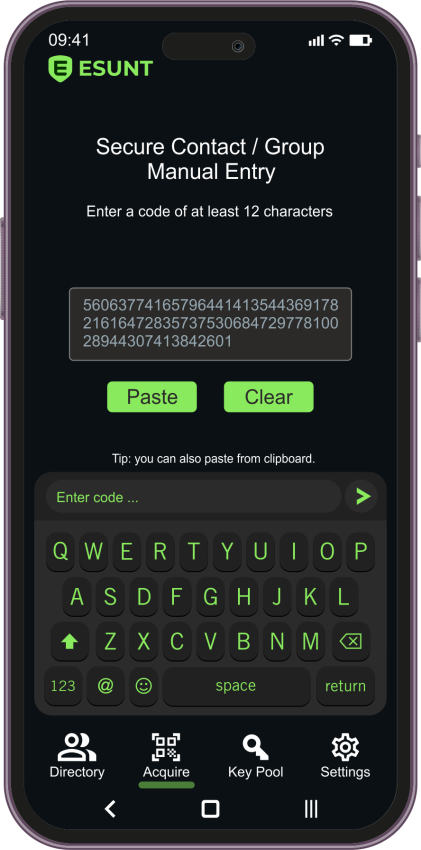
ESUNT also envisions a manual information exchange option for situations where scanning or short-range communication is inconvenient or unavailable.
Users would enter or exchange the required connection information through an appropriate interface, following the application's validation and security procedures.
Verifying Secure Connections
Establishing a cryptographic relationship is only one part of secure communication. Users must also ensure that they are connecting with the intended person.
The ESUNT interface is designed to include visual security indicators, such as a padlock, to distinguish operations using the independent encryption layer from ordinary communication.
A displayed security indicator should not be treated as proof of a contact's identity. Participants should verify connection information through an appropriate trusted method.
Multiple Secure Connections
ESUNT's proposed architecture allows for multiple independently managed cryptographic contexts, potentially associated with different contacts, groups, or communication purposes.
For example, a user could maintain separate security relationships for personal conversations, professional communication, and selected trusted groups.
This separation is intended to provide greater flexibility and independent control over protected communication relationships.
Managing and Removing Connections
As communication needs change, users may need to update, replace, or remove existing secure connections.
The complete ESUNT application is envisioned to provide controls for managing these relationships and their associated cryptographic material.
Removing a connection or deleting local cryptographic material does not guarantee deletion of previously transmitted information from other devices, backups, or external storage systems.
Additional procedures for managing security settings and data will be covered in the relevant chapters of this guide.
Communicating with Trusted Contacts
Once a secure relationship has been established and verified, participants would be able to use the supported ESUNT communication features associated with that connection.
The next chapter, Secure Messaging, introduces the envisioned workflow for exchanging independently protected messages and managing conversations.